
When a customer searches for your business, the first thing they see is your website. It speaks before you do. A fast, well-structured site builds trust.
A slow or clumsy one makes people leave. That choice between a positive or negative first impression often comes down to the platform you build on.
Many owners pick WordPress because it feels simple and affordable. It delivers results at the start, but problems often appear with growth: plugins clash, pages slow down, and design flexibility hits a ceiling.
Others invest in a custom build. They get speed, security, and control, but the upfront cost can be heavy if the business is still small.
This article looks at both paths with clear comparisons and real examples, so you can see which one fits your stage and your goals.
What is WordPress Development?
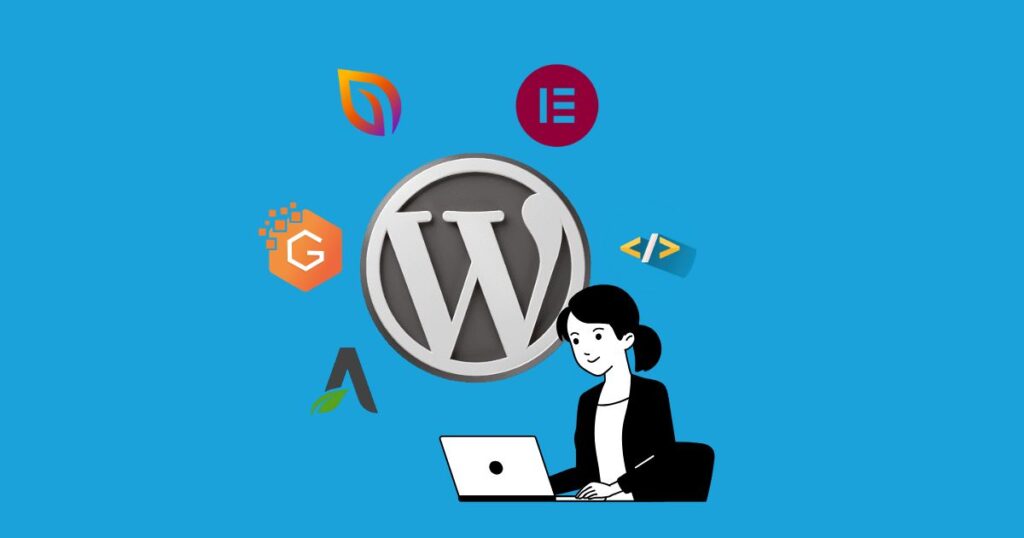
WordPress is an open-source content management system that powers more than 43 percent of websites in 2025. It became popular because it makes website creation simple. A business owner can publish content, add images, or create new pages without writing code.
The dashboard is designed for beginners, which makes it attractive to companies that do not have in-house developers.
The platform works with two main parts: themes and plugins. A theme defines the design and layout of the site. Plugins add features such as online booking, e-commerce stores, or payment systems.
This mix allows businesses to launch a site quickly and expand its functions as their needs change.
Where WordPress Works Well
- Affordable entry point for small and mid-size businesses
- Thousands of themes that reduce design time
- A large plugin marketplace that covers most standard needs
- Simple dashboard that makes content management easy
Where WordPress Falls Short
| Area | Challenge |
| Security | Sites are at risk if updates are ignored |
| Scalability | Performance slows under heavy traffic or too many plugins |
| Maintenance | Regular updates are required for stability |
| Flexibility | Limited customization compared to a fully custom build |
WordPress is a practical choice when budget and speed are the main priorities. It helps businesses get online fast, but as growth demands unique features and stronger performance, its limits often become clear.
What is Custom Website Development?
Custom website development means creating a site from the ground up. Every page, feature, and function is designed to fit the business rather than adjusting to a preset template. This gives full control over design, performance, and long-term growth.
Companies often choose this path when they need more than a basic online presence. A growing e-commerce brand may want thousands of product pages, advanced filters, and smooth checkout.
A logistics company may need dashboards where customers can track shipments and manage invoices in real time. These functions cannot be delivered reliably through plugins alone.
Where Custom Development Works Well
- Complete freedom in design and branding
- Scalable architecture for heavy traffic and complex operations
- Stronger security with controlled code and fewer third-party risks
- High performance through optimized systems
- Easy integration with business tools such as CRM, ERP, or inventory software
Where Custom Development Faces Challenges
| Area | Challenge |
| Cost | Higher initial investment compared to template systems |
| Time | Longer build cycle based on project complexity |
| Resources | Requires skilled developers and ongoing technical support |
Custom development is best for businesses that expect rapid growth or need unique features that templates cannot provide.
It requires more time and budget, but the return comes from stability, security, and the ability to scale without limits.
For many companies, this foundation becomes the key to supporting their next stage of growth.
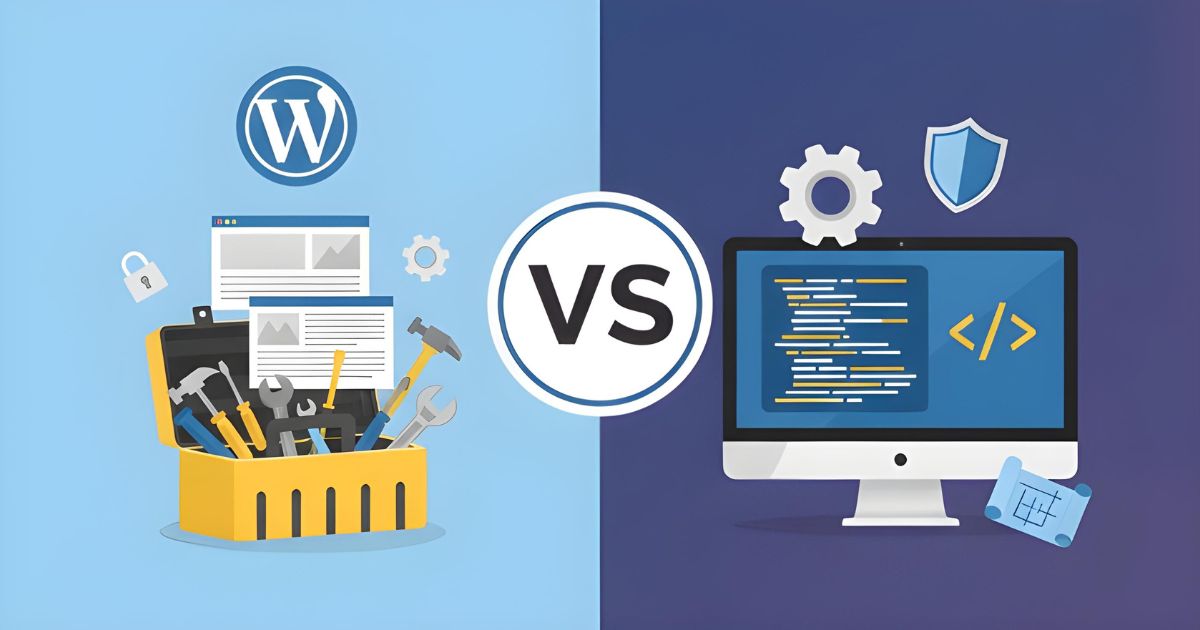
WordPress vs Custom Development: Side-by-Side Comparison
When businesses compare WordPress and custom development, the differences become clearer when seen side by side.
Both options can deliver results, but they do so in very different ways. The table below shows the main factors you should consider before deciding which one fits your business.
Comparison Table
| Criteria | WordPress Development | Custom Development |
| Cost | Lower starting cost, but expenses rise with paid themes, plugins, hosting upgrades, and developer support | Higher upfront investment, but designed for long-term savings with fewer hidden costs |
| Time to Launch | Fast deployment, often within days or weeks | Longer timeline, usually several weeks or months depending on features |
| Flexibility | Limited to what themes and plugins allow | Unlimited flexibility with features built around exact needs |
| Security | Relies on frequent updates; risk increases with too many plugins | Higher security through controlled code, fewer third-party dependencies |
| Maintenance | Needs constant updates for plugins, themes, and the core system | Requires technical support, but systems are cleaner and easier to maintain long term |
| Performance | May slow down under heavy traffic or with excessive plugins | Optimized for speed, scalability, and stable performance |
| Scalability | Suitable for small to medium projects, struggles with large-scale growth | Built to scale with advanced features, heavy traffic, and enterprise needs |
| Best for | Startups, small businesses, personal websites | Mid-size to large businesses, e-commerce, enterprise platforms |
What This Comparison Means for Your Business
WordPress is a strong choice if your focus is speed and budget in the short term. It helps you launch quickly and test your ideas with lower risk.
Custom development is the better choice when long-term scalability, advanced features, and stronger performance matter most.
It asks for more upfront, but it creates a platform that can support serious growth without frequent rebuilds.
Cost Comparison: WordPress vs Custom Development
The real cost of a website is not limited to the setup fee. It continues with updates, upgrades, and the changes needed as the business grows.
Many owners choose a platform based on the lowest entry cost, but the smarter approach is to look at how expenses behave over time.
WordPress Development Costs
- Domain and Hosting: Annual fees that increase with better hosting plans.
- Themes: Free themes exist, but most professional sites rely on premium themes that add recurring costs.
- Plugins: Advanced features such as booking systems or SEO tools often require paid licenses.
- Maintenance: Regular updates and fixes can require outside help, which adds hidden costs.
- Scalability: Higher traffic often means paying for stronger hosting and additional performance tools.
Custom Development Costs
- Initial Build: Higher upfront investment because the site is built from scratch.
- Hosting: Configured for performance and often more stable over the long term.
- Maintenance: Requires a technical team, but cleaner systems mean fewer conflicts and more predictable support costs.
- Scalability: Features can be added without redesigning the core system, which reduces future expenses.
- Lifespan: Longer usability before a redesign is needed, which lowers replacement costs.
What the Cost Means for Your Business
WordPress looks cheaper at the start, but expenses accumulate through plugins, updates, and performance upgrades.
Custom development asks for more investment at the beginning, but it delivers stability, longer lifespan, and fewer hidden costs over time.
For businesses planning to scale, the long-term ROI often makes custom development the more cost-effective choice.
Is WordPress the Right Choice for Your Business?
WordPress is a good fit for businesses that want to get online quickly with a limited budget. It works best when the main goal is to create a professional online presence without heavy customization.
A local café, for example, can launch a site with its menu, location, and a booking plugin in just a few days.
This setup is affordable and requires little technical effort. A consultant can build a simple site with a blog and contact form to attract leads without hiring a full development team.
We recently delivered an online store for a small fashion retailer using WordPress with WooCommerce.
Their inventory was modest, so the platform handled product pages, checkout, and payments without unnecessary complexity.
The site went live in under three weeks and helped them start selling immediately.
Best Fit for WordPress
- Startups with limited resources
- Service providers such as trainers, coaches, or consultants
- Small retailers with a manageable inventory
- Companies that need a site quickly and without advanced features
WordPress is an effective choice when businesses need speed and affordability. It provides a strong starting point to build visibility and test ideas. As the business grows, owners can then evaluate whether a move to a custom platform is needed.
Is Custom Website Development Right for Your Business?
Custom development makes sense when a business expects to grow beyond basic features or needs advanced functionality that templates cannot provide. It is also the right choice for companies that want full control over design and performance.
We worked with a mid-size logistics company that had outgrown its WordPress site. They needed a system where clients could track shipments, view invoices, and connect with internal tools.
Plugins were not enough to handle these workflows. We built a custom platform that included a secure dashboard, real-time tracking, and automated reporting.
The result saved their team hours each week and gave customers a smoother experience.
Another project involved a new online marketplace. The business wanted multiple vendors, dynamic pricing, and built-in analytics.
These features were not possible with off-the-shelf solutions. A custom build gave them a stable platform that now supports thousands of transactions without performance issues.
Best Fit for Custom Development
- Businesses with long-term growth plans
- E-commerce platforms with large or complex catalogs
- Enterprises that require software integration
- Companies that need a unique brand experience and full design freedom
Custom development requires more time and budget at the start, but it provides a foundation that supports scaling, advanced features, and higher security.
For businesses aiming for stability and growth over many years, it often becomes the smarter investment.
WordPress or Custom Development: Which One Should You Choose?
The right choice depends on your goals, your budget, and how much growth you expect in the near future. A startup may only need a simple site to get noticed quickly.
An established company may need a platform that integrates with its systems and supports heavy traffic. There is no one solution that works for every business.
Our team helps you make this decision with clarity. We look at what you want to achieve, the challenges you face, and how much flexibility you will need later. From there, we recommend the option that gives you the best balance between cost and long-term value.
If you are unsure about the next step, reach out to us. A short conversation can save you from costly mistakes and help you choose a platform that supports your business today and in the future.
FAQs
Is WordPress a CMS or a website builder?
WordPress is a content management system. It gives you control over content, design, and features. Builders like Wix or Squarespace are simpler but less flexible.
What is the difference between a CMS and custom coding?
A CMS uses pre-built tools and templates. Custom coding builds features from scratch. CMS saves time and cost, while custom coding offers higher security, flexibility, and performance.
Which platform is better for SEO: WordPress or custom development?
Both can rank well when optimized. WordPress offers plugins like Yoast or Rank Math. Custom sites can have SEO features coded directly for faster performance and cleaner structure.
Can WordPress handle enterprise websites?
It can, but with limits. Enterprises often need higher security, speed, and integrations. Plugins extend WordPress, but custom builds are more reliable for large-scale operations.
What are hidden costs in WordPress websites?
Premium plugins, theme licenses, frequent updates, higher hosting fees, and developer fixes all add up over time.
What are hidden costs in custom websites?
The main cost is ongoing developer support. Once the system is stable, maintenance is predictable and often lower than managing many plugins.
Is WooCommerce good for large e-commerce stores?
WooCommerce is fine for small to medium catalogs. For thousands of products, complex shipping, or multi-vendor setups, a custom platform offers better performance.
When should I move from WordPress to custom development?
If your site slows under traffic, plugins keep breaking, or you need features that no plugin can provide, it is time to move.
How long does a custom website take to build?
A simple custom site may take six to eight weeks. Complex platforms with integrations and e-commerce can take several months.
Which option delivers stronger ROI long term?
WordPress is cost-effective for starting out. Custom development costs more at the beginning, but it pays off long term with stability, performance, and scalability.
What are Core Web Vitals, and why do they matter here?
Core Web Vitals measure site speed, responsiveness, and stability. WordPress can struggle with too many plugins, while custom sites are often built leaner, making it easier to hit Google’s performance benchmarks.